Keep daily sessions close
Use the Mac app as a home base for the local terminal tabs and remote profiles you open throughout the day.
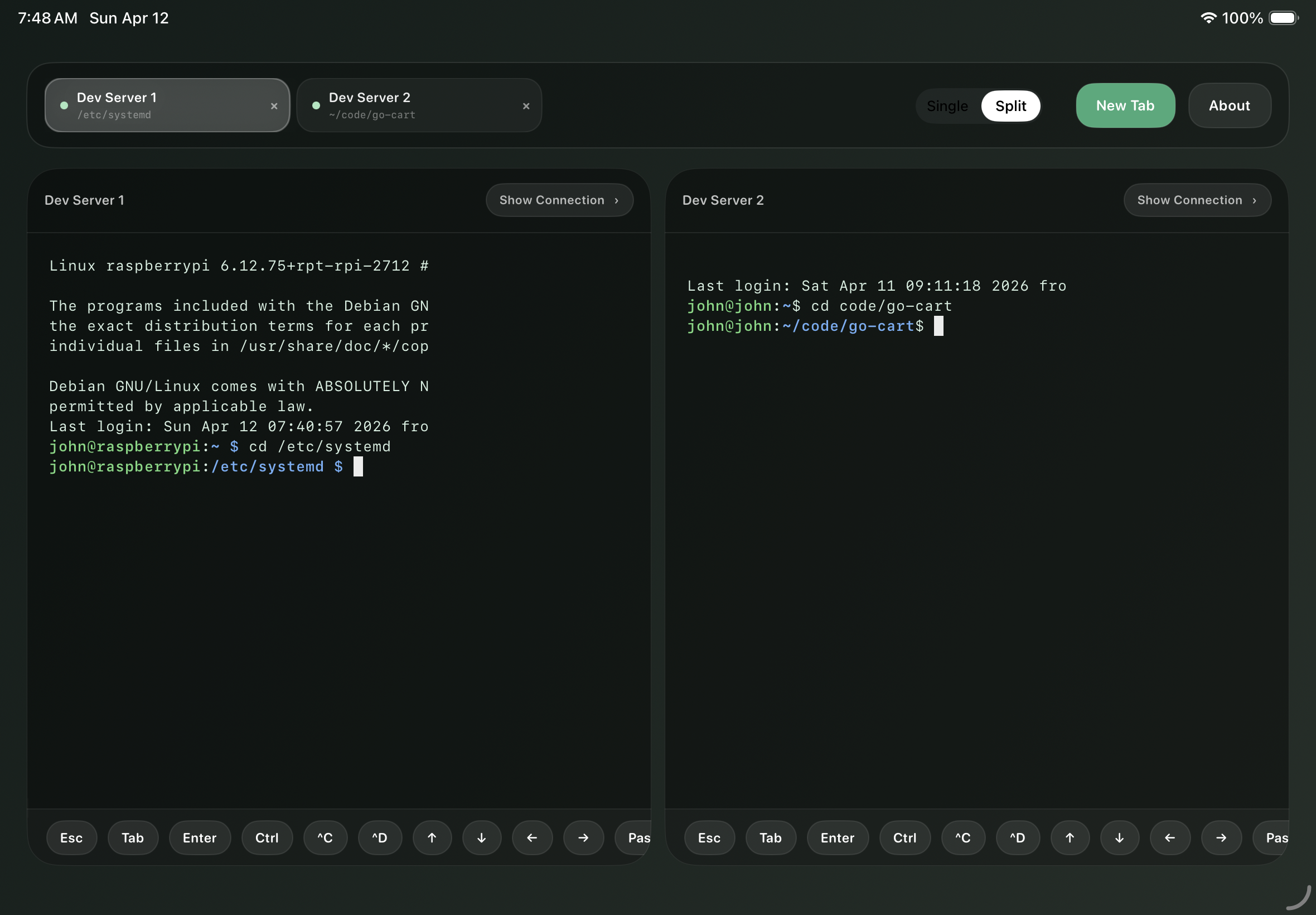
Mac, iPhone, and iPad
Organize the local and SSH sessions you use every day, run Claude Code, Codex CLI, vim, htop, and long-running shell tools, then keep track of work across your Apple devices.
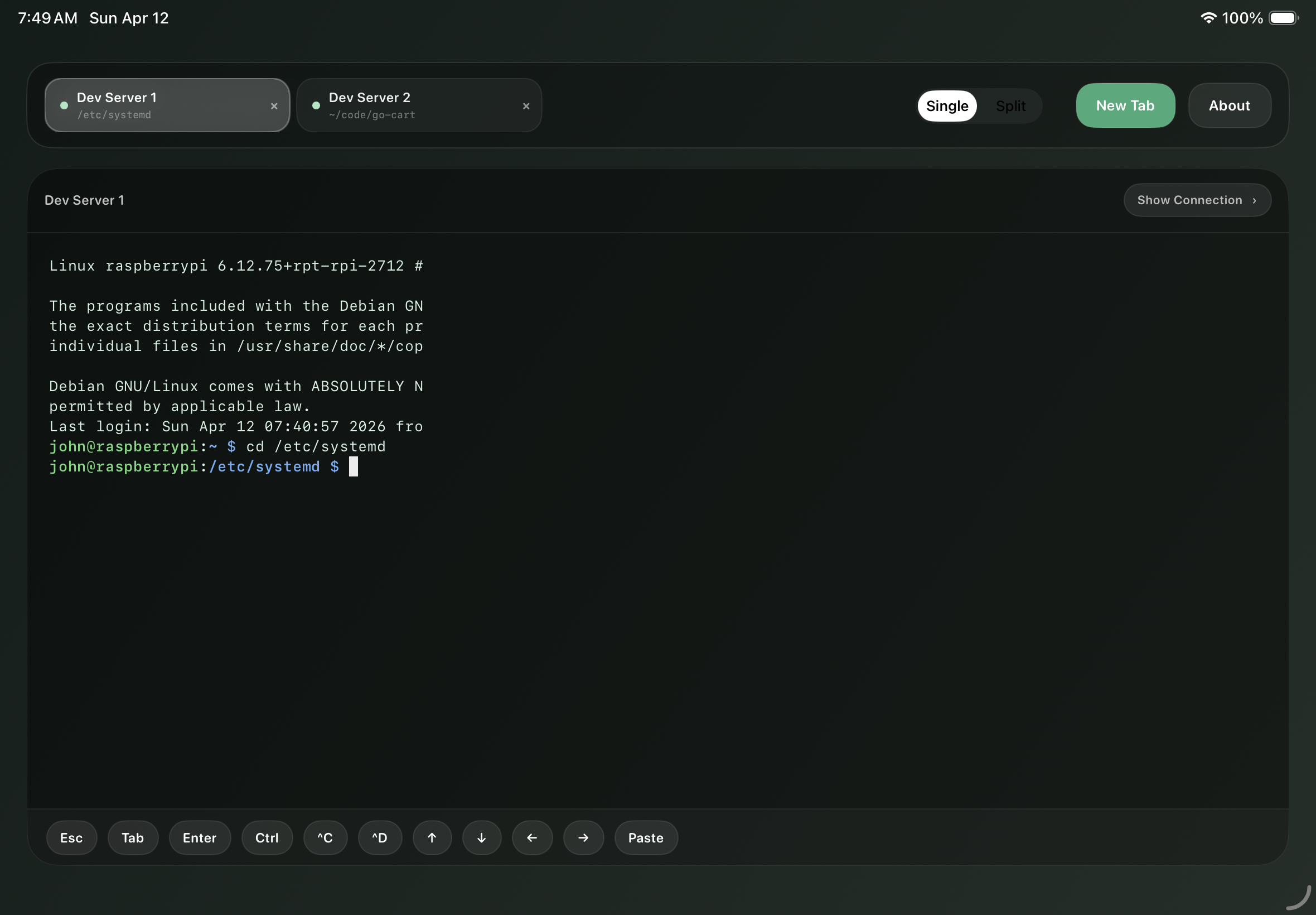
Open the local and remote environments you use every day, keep multiple sessions visible, and watch background work continue without turning your terminal into a black box.
Use the Mac app as a home base for the local terminal tabs and remote profiles you open throughout the day.
Password and private-key authentication, saved profiles, host verification, and connection recovery guidance for real development environments.
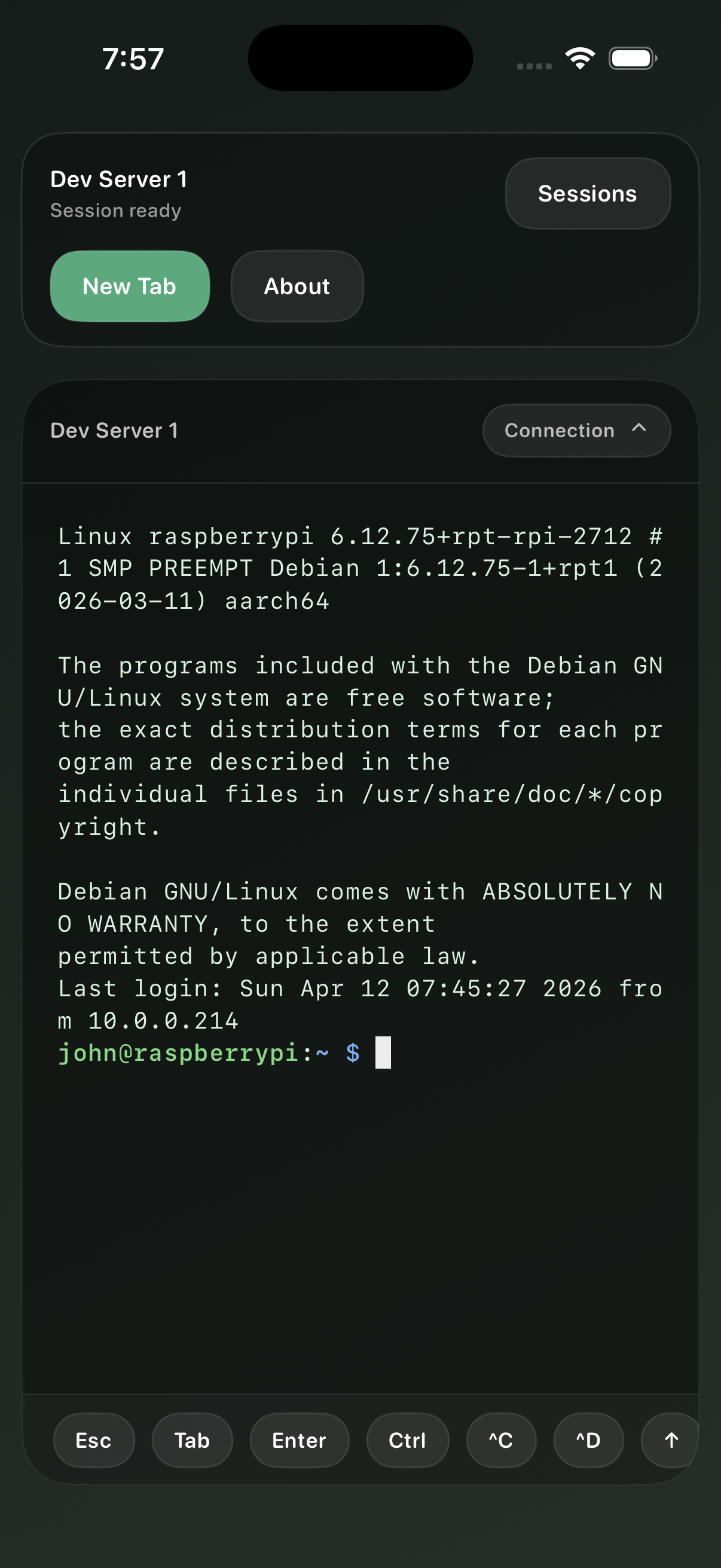
Use iPhone and iPad to check SSH sessions, send terminal input, and stay with long-running AI work when you travel.
Semantic Developer started with mobile SSH continuity, then grew into a practical Mac workspace for the terminals and saved connections you rely on every day.
Local terminal tabs on macOS are backed by a real PTY, so your local shell, AI tools, scripts, and project commands live in the same workspace as remote hosts.
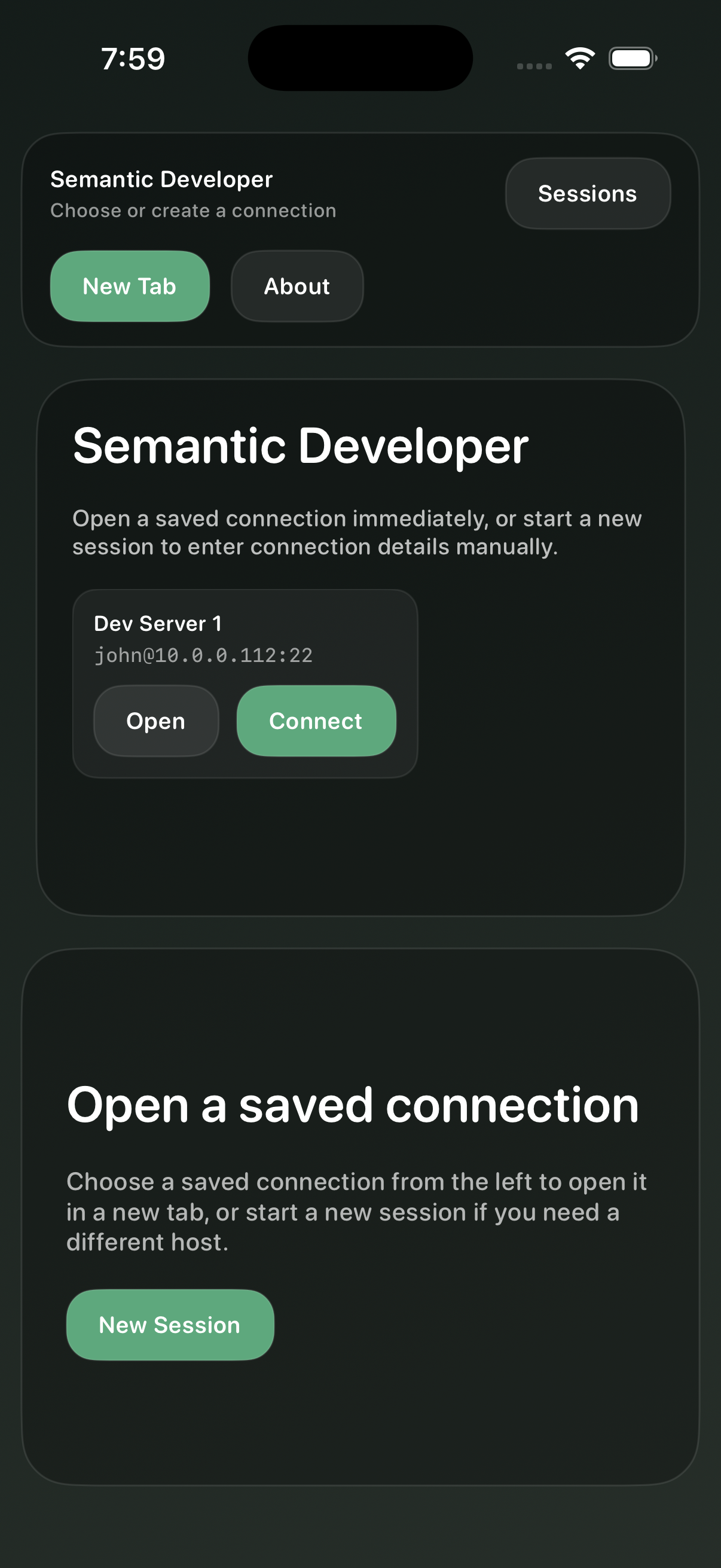
Define the environments you return to often, keep their metadata organized, and open the right local or remote session without rebuilding the setup each time.
Terminal fidelity
The terminal core supports modern command-line workflows without flattening everything into plain text.
Semantic Developer connects only to hosts you configure. Terminal traffic is not proxied through Stainless Designer servers.
Saved connection metadata stays separate from passwords, private keys, and passphrases stored with platform security controls.
The app has no analytics SDKs, advertising SDKs, tracking, or developer-operated terminal relay service.
Start with one saved connection. Unlock unlimited saved connections and persisted sessions when your daily workflow grows.
Create one saved SSH connection, verify hosts, store credentials in Keychain, and use the terminal on Mac, iPhone, and iPad.
Install an optional helper on a server you control, only after approval, so approved SSH sessions can be reattached later.
The persisted-session helper runs under your account on your SSH host and communicates with Semantic Developer over SSH stdio. The helper source is public so you can inspect the remote code before approving it on machines you control.
Current captures from the Mac, iPad, and iPhone apps.
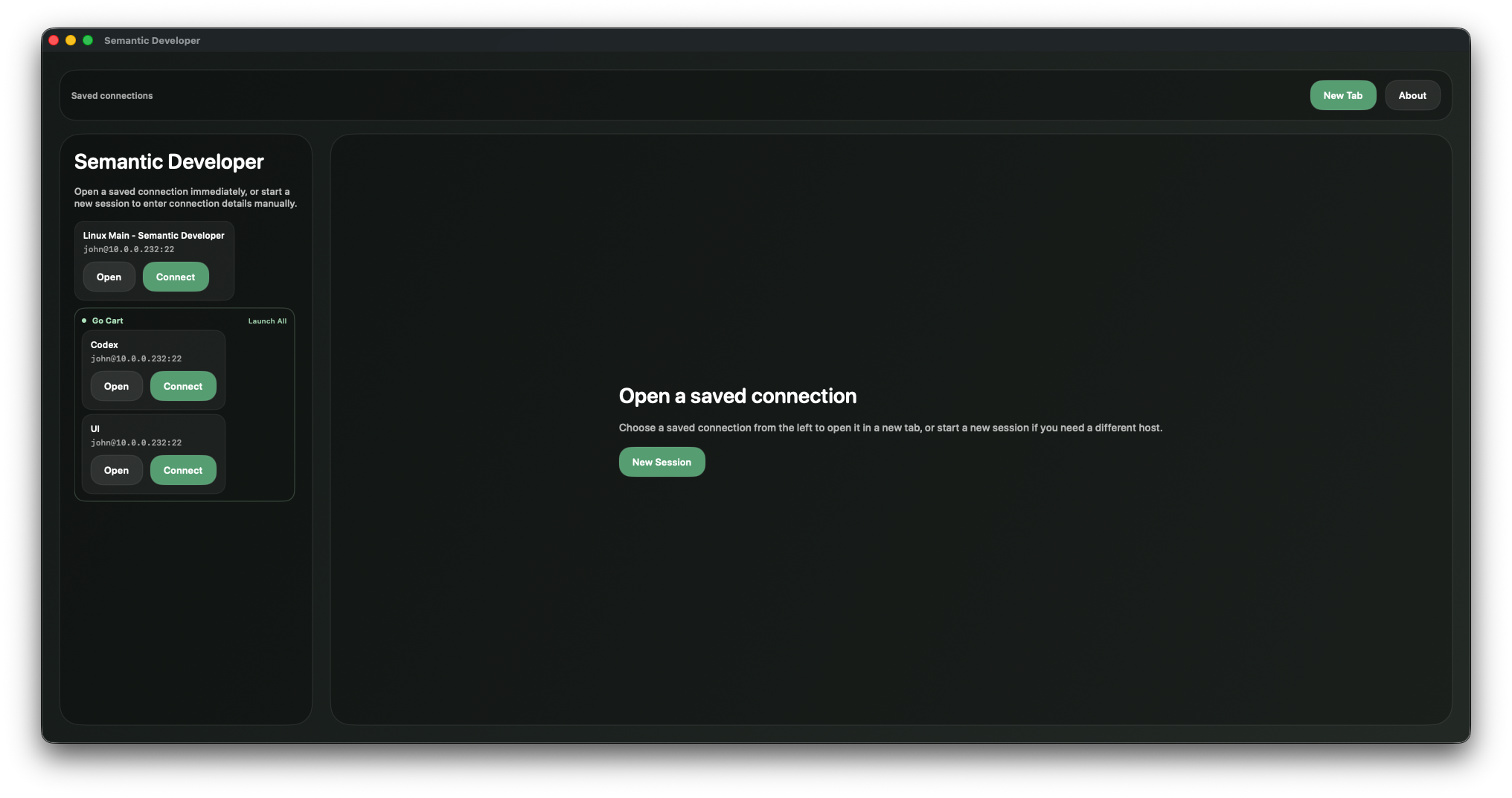
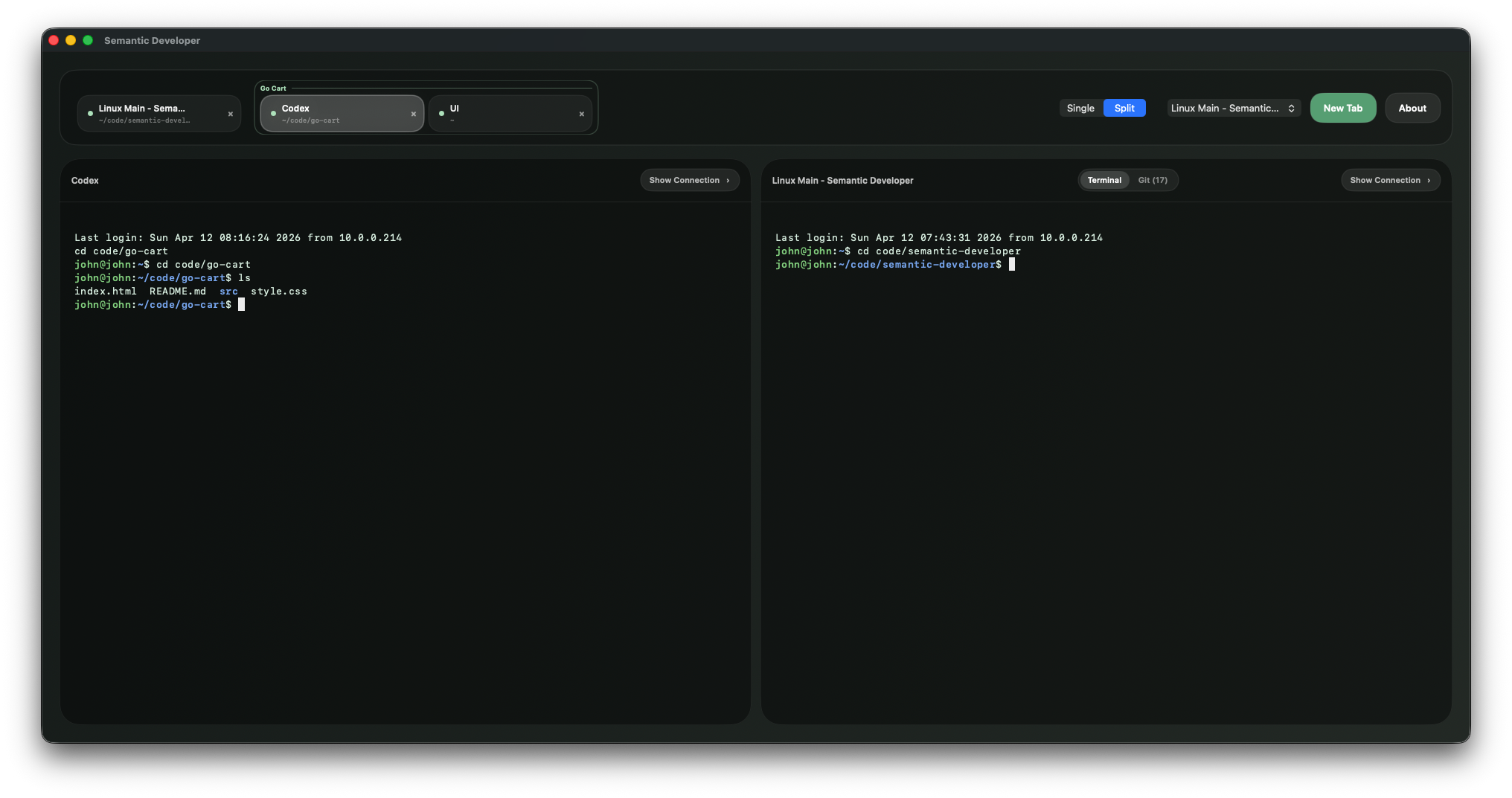
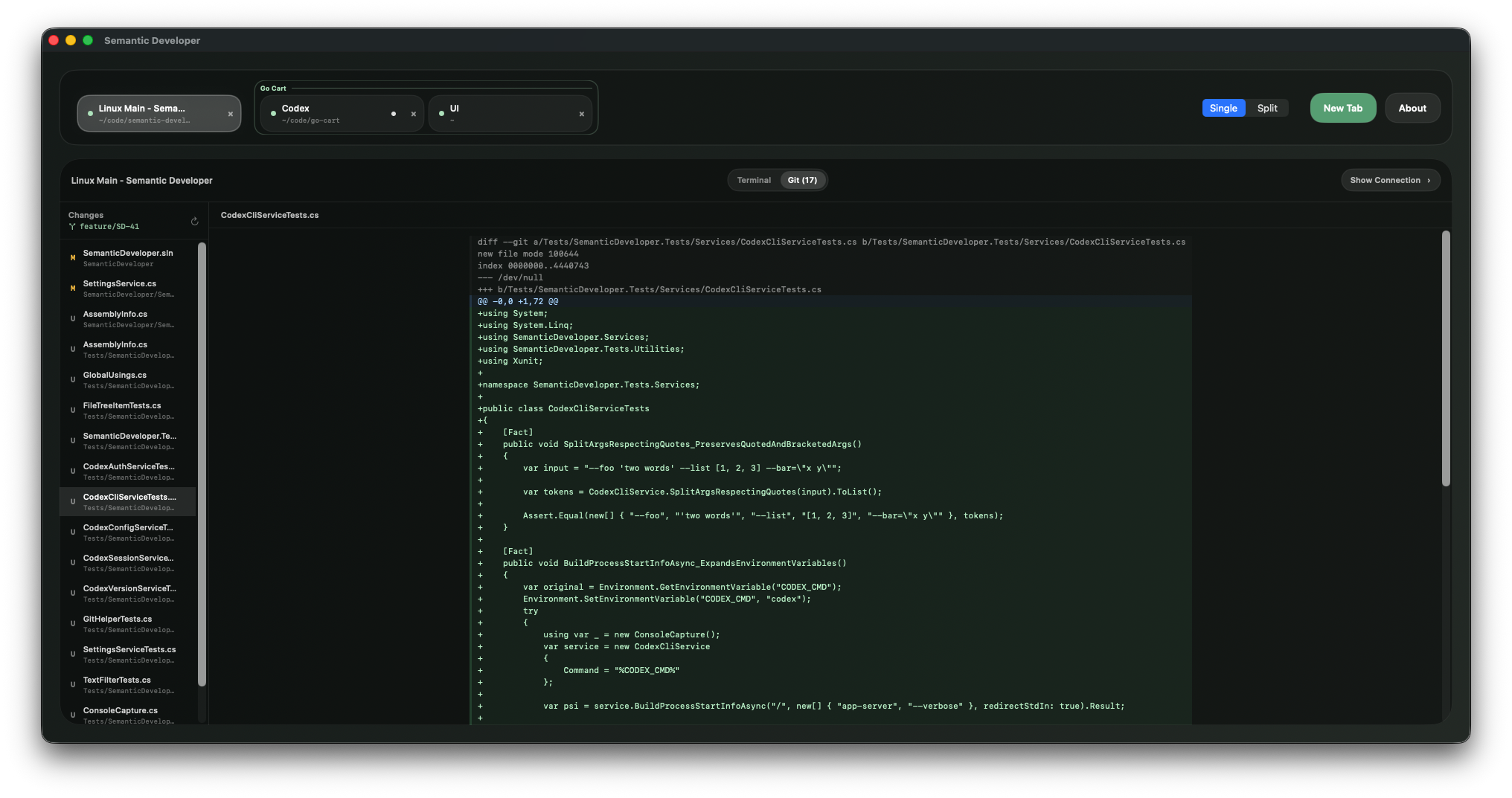
Semantic Developer is built for local shells, remote hosts, and the AI development sessions that move between them.